
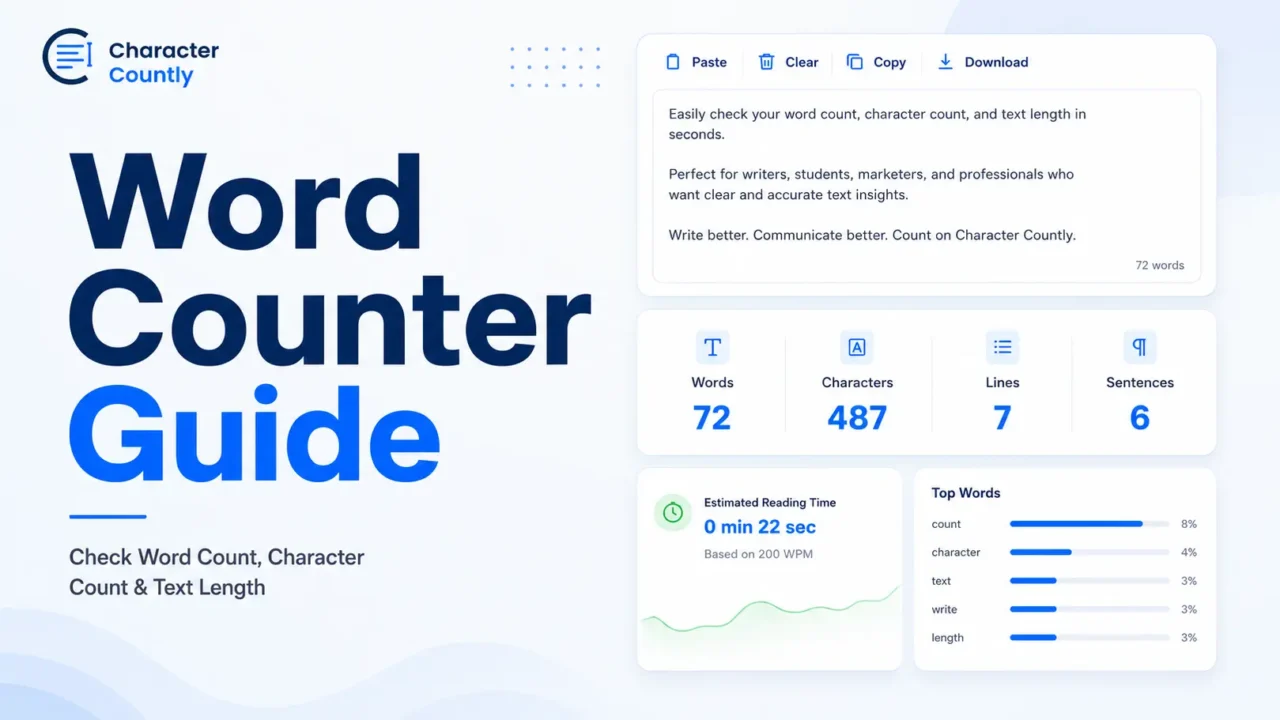

A word counter shows how long your text is. It usually counts words, characters, spaces, sentences, paragraphs, and lines.
Use it when you need to meet a writing limit, shorten a caption, check an SEO title, edit an essay, or review a form answer before submitting it.
Word count tells you how much you wrote. Character count tells you how much space your text takes. Text length gives you the full view.
TL;DR
- A word counter counts words, characters, spaces, lines, sentences, and paragraphs.
- Word count is useful for essays, blog posts, assignments, scripts, and content briefs.
- Character count matters for captions, bios, SEO titles, meta descriptions, ads, and forms.
- Spaces usually count as characters because they take up room in text.
- Check your text again after editing, because small changes can affect the final count.
- Use the Character Counter to check word count, character count, spaces, lines, and text length in one place.
What Is a Word Counter?
A word counter is an online tool that counts how many words are in a piece of text.
Most word counters also show extra details, such as:
- Characters
- Characters without spaces
- Spaces
- Sentences
- Paragraphs
- Lines
- Reading time
- Speaking time
This is useful because different writing tasks use different limits.
An essay may ask for 1,000 words. A meta title needs a short display length. A social caption may allow many characters but still look better when it is short and easy to scan.
Word Count vs Character Count vs Text Length
Word count, character count, and text length are related, but they measure different things.
Word Count
Word count tells you how many words are in your text.
Example:
Write clearer content today.
Word count: 4
Writers use word count for articles, essays, assignments, reports, and scripts.
Character Count
Character count measures letters, numbers, punctuation marks, symbols, emojis, and spaces.
Example:
Write better.
Character count with spaces: 13
Character count without spaces: 12
Character count is more useful when a platform has a fixed text limit.
Text Length
Text length is the broader view of your writing size.
It may include word count, character count, sentence count, paragraph count, line count, and estimated reading time.
Use text length when you need to check both size and structure.
How to Check Word Count Online
You can check word count in a few seconds.
1. Copy Your Text
Copy the text from your document, caption, email, blog draft, form answer, or SEO field.
2. Paste It Into a Word Counter
Paste the text into an online counter.
For example, you can use the Character Counter to check words, characters, spaces, lines, and reading time.
3. Review the Main Counts
Check the numbers that matter for your task.
For a school assignment, look at total words.
For a caption, check characters and line breaks.
For SEO copy, check title and description length.
4. Edit the Text
Cut repeated words, weak phrases, and extra lines.
Keep the meaning clear.
5. Check Again
Run the final text through the counter again.
A small edit can push a title, bio, or form answer over the limit.
When Should You Use a Word Counter?
A word counter is useful whenever text length affects the final result.
Essays and Assignments
Students often need to write within a word range.
A 1,000-word essay should not be 600 words. It also should not be 1,700 words unless the teacher allows it.
A counter gives you a quick check before submission.
Blog Posts and Articles
Writers use word count to match the depth of the topic.
A simple definition post may need fewer words. A tutorial may need more detail, examples, and steps.
Word count is not the goal by itself. The goal is to answer the search intent fully without padding.
SEO Titles and Meta Descriptions
SEO titles and meta descriptions can get cut in search results.
Google says title links are generated automatically from several signals, including the page title and visible page content. Google Search Central also explains that the goal is to represent the result clearly.
For snippets, Google may use page content or the meta description when it gives a better summary. Snippets may also be shortened to fit the device width. Google Search Central confirms this behavior.
After writing your title, use the SEO meta title length checker to review the length. For descriptions, use the SEO meta description length checker.
Social Media Captions
Social media captions need more than a word count.
You also need to check:
- Character count
- Line breaks
- Spaces
- Hashtags
- Mentions
- Emojis
- First visible lines
For platform-specific copy, use tools like the Instagram character counter, LinkedIn character counter, or X Twitter character counter.
Forms, Bios, and Short Answers
Forms often have hidden or visible limits.
Common examples include:
- Job applications
- Contact forms
- Product descriptions
- Profile bios
- Event descriptions
- Scholarship answers
- Support messages
A word counter can prevent errors before you submit the text.
Practical Examples
Here are a few simple examples of how a word counter changes the editing process.
Example 1: Essay Answer
Draft:I want to join this program because I think it will be a very good chance for me to learn new things and improve my knowledge in a better way.
Edited:I want to join this program to learn new skills and improve my knowledge.
The edited version is shorter and clearer.
Example 2: SEO Title
Too long:Best Free Online Word Counter Tool to Check Word Count, Character Count, Spaces, Lines, Sentences, and Reading Time
Better:Free Word Counter for Words, Characters, and Text Length
The shorter title is easier to read. It also keeps the main topic near the front.
Example 3: Meta Description
Weak:This page is about a tool that you can use to count your text and see different things about it.
Better:Check word count, character count, spaces, lines, and reading time before publishing essays, captions, SEO copy, or form answers.
The better version is direct and specific.
Example 4: Social Caption
Draft:We just published a new guide that explains how to check your writing length, count words, count characters, and make sure your content fits before publishing online.
Edited:New guide: learn how to check word count, character count, and text length before publishing.
The edited version works better as a short caption.
How to Shorten Text Without Losing Meaning
Start by cutting filler words.
Words and phrases like these often add length without adding value:
- Very
- Really
- Just
- Actually
- Basically
- In order to
- I think that
- I believe that
- Due to the fact that
Then remove repeated ideas.
Example:
Long:This tool allows you to check your text length so that you can know how long your text is before you publish it.
Better:Use the tool to check text length before publishing.
Keep the useful part. Cut the rest.
Common Mistakes to Avoid
- Checking word count but ignoring character count.
- Forgetting that spaces usually count as characters.
- Writing SEO titles only for length, not search intent.
- Adding extra words to reach a target word count.
- Using long captions that look crowded on mobile.
- Editing after checking, then forgetting the final count.
- Treating word count as the only sign of content quality.
Best Word Counter Workflow
Use this simple workflow when length matters.
1. Write the Full Draft
Write the message first.
Do not start by trimming every sentence too early.
2. Check the Count
Paste the text into a word counter.
Review words, characters, spaces, lines, and paragraphs.
3. Match the Count to the Format
Use the right metric for the task.
An essay needs word count.
A social bio needs character count.
A blog post needs enough depth to answer the topic.
4. Edit for Clarity
Remove repeated ideas and weak words.
Shorter is better only when the meaning stays clear.
5. Do a Final Check
Paste the final version into the counter again.
Then publish, submit, or send it.
FAQs
What is a word counter?
A word counter is a tool that counts how many words are in your text. Many word counters also show characters, spaces, lines, sentences, and reading time.
What is the difference between word count and character count?
Word count measures how many words you wrote. Character count measures letters, numbers, punctuation, symbols, spaces, and sometimes emojis.
Do spaces count as characters?
Yes, spaces usually count as characters. They take up room in text, so many platforms include them in character limits.
Why should I check text length before publishing?
Text length affects readability, display, and platform limits. Checking it first reduces cut-off titles, crowded captions, and rejected form answers.
Is word count important for SEO?
Word count alone is not an SEO ranking goal. The content should answer the search intent clearly and cover the topic well.
What is the easiest way to count words online?
The easiest way is to paste your text into an online word counter. It will show word count and other text length details instantly.
Final Takeaway
A word counter gives you a quick way to check whether your text fits the task.
Use it before submitting essays, publishing blog posts, writing SEO copy, or posting captions. Then edit for clarity, not just length.